CMS authoring and components
I authored the page in Sanity and worked through component adjustments to align the presentation with the Figma reference.
Professional work · Web production and launch coordination
At Collibra, I handled Sanity authoring, component presentation, metadata, internal links, QA, and launch coordination for a product innovations page that helped visitors distinguish what was new from what was coming next.
Tools and inputs: Sanity, Figma designs, stakeholder copy and imagery, and a launch QA checklist.
The page needed to bring product updates together with clear timelines and accurate dates. Delivering that experience involved both assembling the content in Sanity and getting the components to display correctly against the Figma designs.
Content readiness was another dependency: copy and assets arrived at different times from stakeholders. Coordinating those inputs was part of the work required to bring the page to launch.
I authored the page in Sanity and worked through component adjustments to align the presentation with the Figma reference.
I handled page metadata and internal linking, and checked that links led to the intended destinations.
I coordinated the copy and content needed from stakeholders and the work required to launch the page.
I used a checklist to review links, spacing, imagery against Figma, navigation, and the footer.
The visual design was supplied through Figma, and stakeholders supplied the product content. My role focused on bringing those inputs into the CMS, validating the implementation, and coordinating launch.
Component presentation took iteration to match the design. Spacing and image alignment needed attention alongside the copy itself; having content entered in the CMS did not mean the page was ready to publish.
The content dependencies also meant that production and coordination went together. I needed the necessary copy and assets from stakeholders to complete the page, while keeping the new and upcoming innovation content clear and correctly dated.
This is a retrospective summary of the checks I remember using, not a reproduction of an internal Collibra document.
| Area | Review focus |
|---|---|
| Links | Correct destinations, including internal links. |
| Component presentation | Spacing and layout against the Figma reference. |
| Images | Alignment and presentation against the supplied design. |
| Page context | Navigation and footer included in the review. |
| Innovation content | Correct publication dates for new and upcoming items. |
The version I authored brought new and upcoming innovations into a clearer timeline experience, with a timeline feature on the left, cleaner imagery, and correct publication dates for both categories.
From my production perspective, visitors had a clearer way to access what was new and what was upcoming. This is a qualitative account of the delivered experience; I do not have analytics or usability-test results to quantify the improvement.
The work demonstrates my ability to take supplied designs and product content through CMS authoring, component refinement, QA, and launch coordination.
These original product graphics are retained from the Product Innovations project. They illustrate the visual material involved in the page work; they are not screenshots of the finished page or evidence of its timeline layout.
Artwork credit: Collibra. My contribution was CMS authoring, component presentation, QA, and launch coordination.
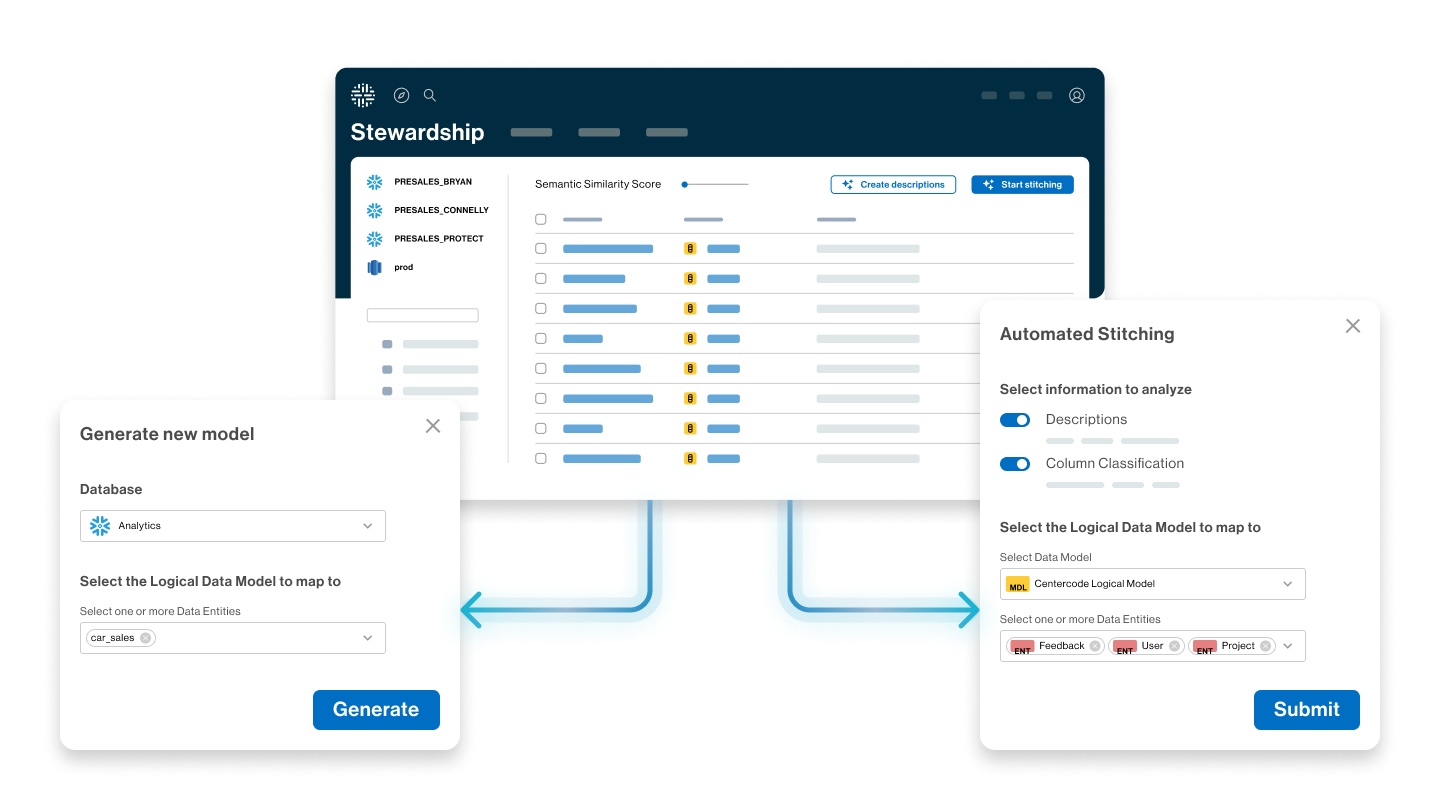
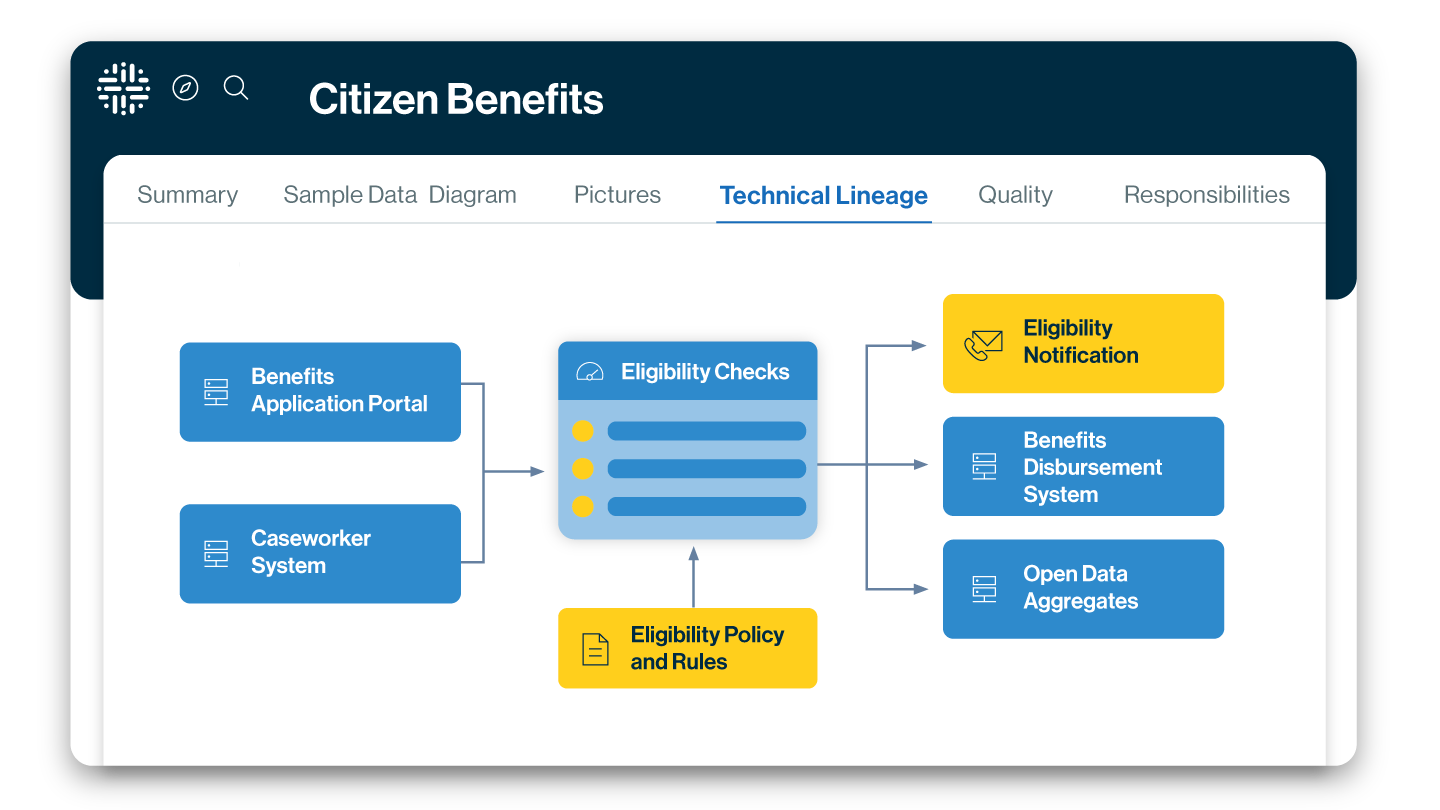
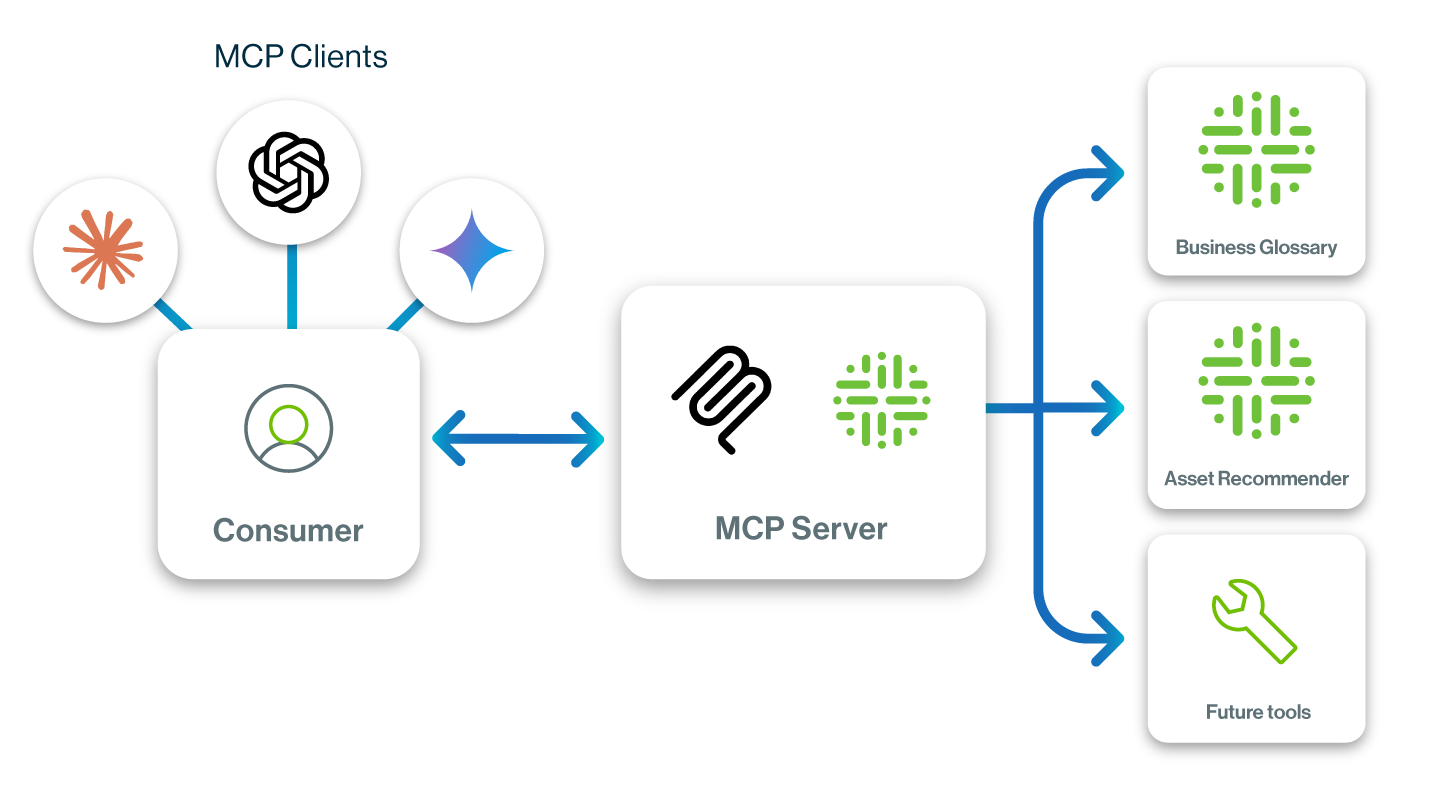
Collibra has redesigned this page since the version I authored. The current page is linked for project context; its present styling and later updates should not be attributed to me.
View Collibra’s current Product Innovations page →
This case study is based on my recollection of the work. The selected graphics above are original project assets. Screenshots of my finished page and the original QA checklist are not included.